Workplace Ergonomics
Prevent musculoskeletal disorders, improve comfort and boost productivity with a properly set up workstation.
- MSDs account for 87% of recognised occupational diseases in Europe
- A poorly set up workstation costs €2,000/year/person in absenteeism
- 3 key elements: adjusted chair + screen at correct height + alternating postures
- 15 minutes is enough to properly set up a workstation
Assess and optimise your ergonomics
Discover our interactive tools developed with our partner ergonomy.inscape.lu to analyse your posture and find the ideal equipment.
Ergonomics Fundamentals
Seated Posture
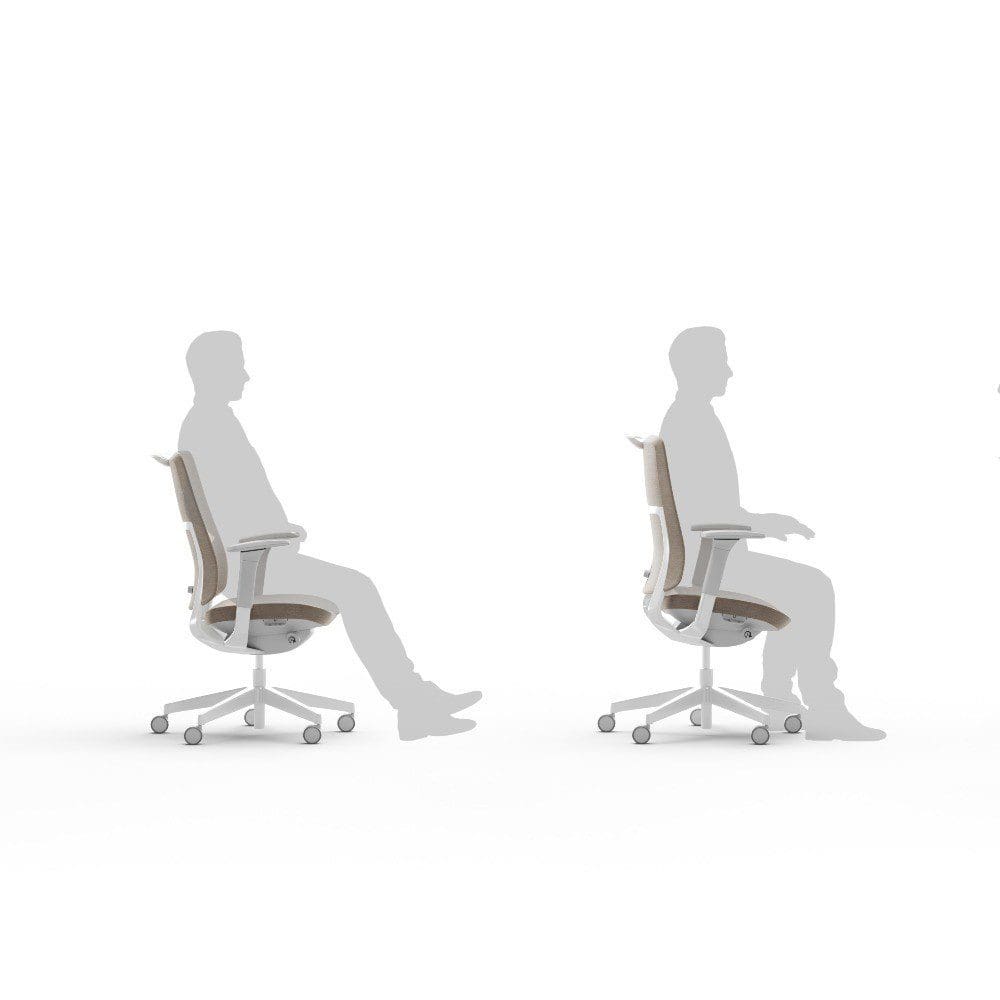
Feet flat, thighs horizontal, back supported. The chair should adapt to you, not the other way around.
Full guide →Screen Position
Top edge at eye level, arm's length distance. Avoid reflections and direct light.
Learn more →Posture Alternation
The best posture is the next one. Alternate sitting/standing and take regular micro-breaks.
Sit-stand desks →Ergonomic Equipment
The key elements of an optimised workstation
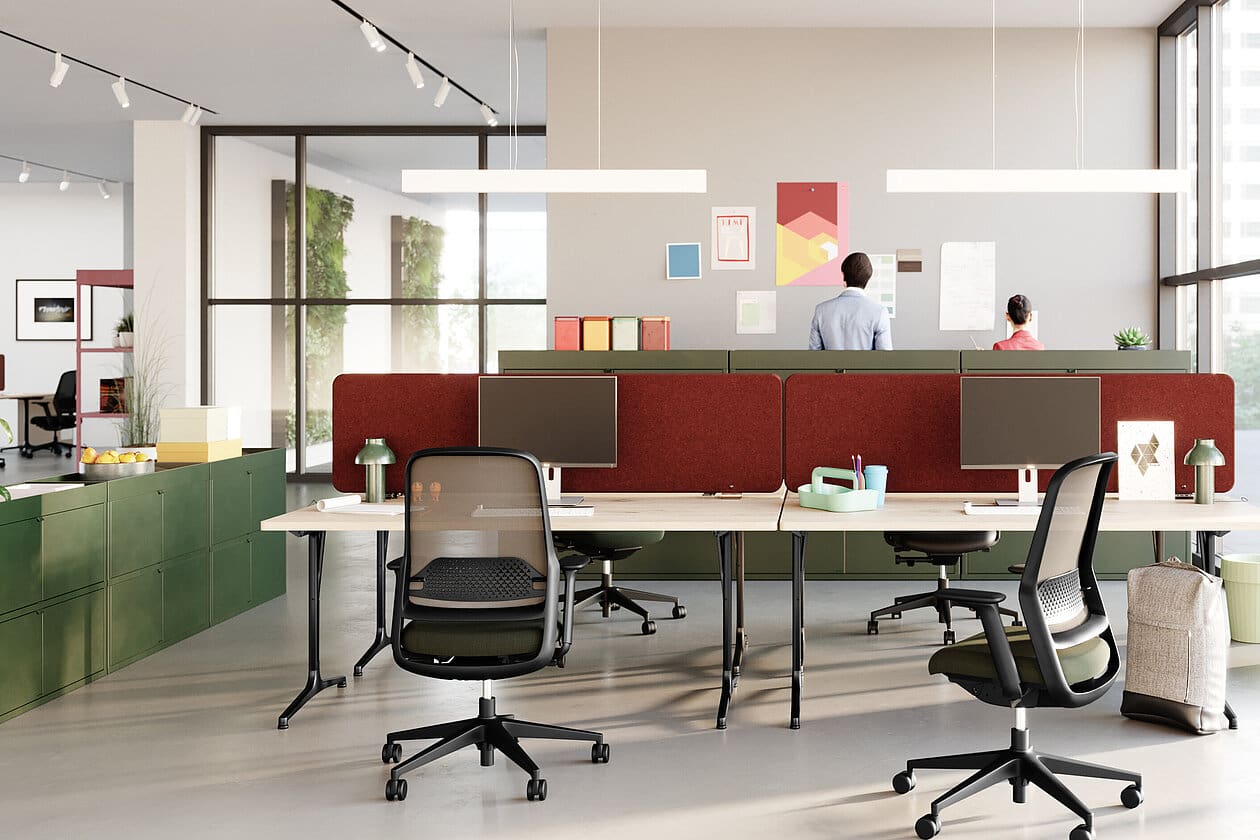
Ergonomic Chairs
Lumbar support, seat depth, adjustable armrests. The most important investment for your back.
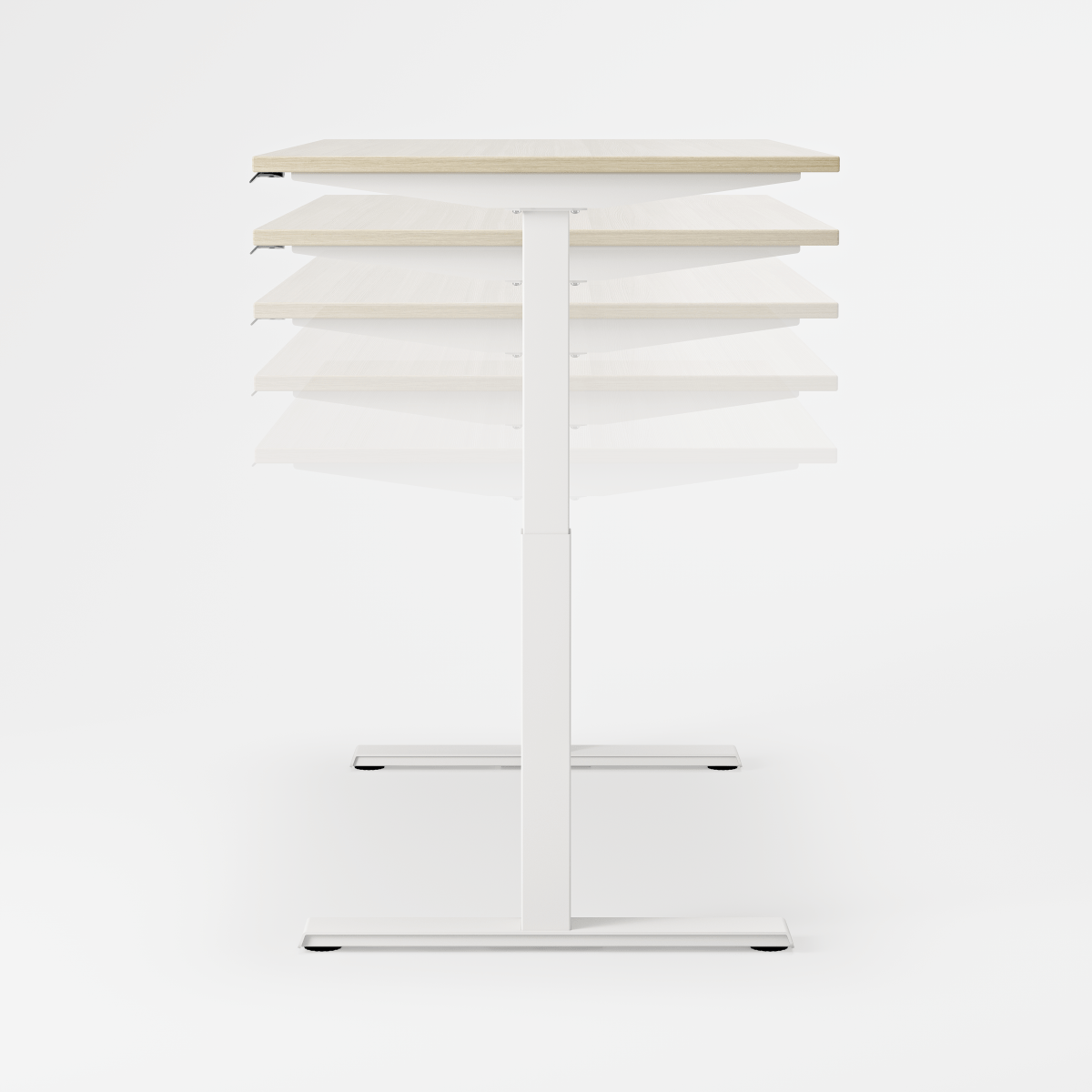
Sit-Stand Desks
Alternate positions throughout the day. 32% reduction in back pain.
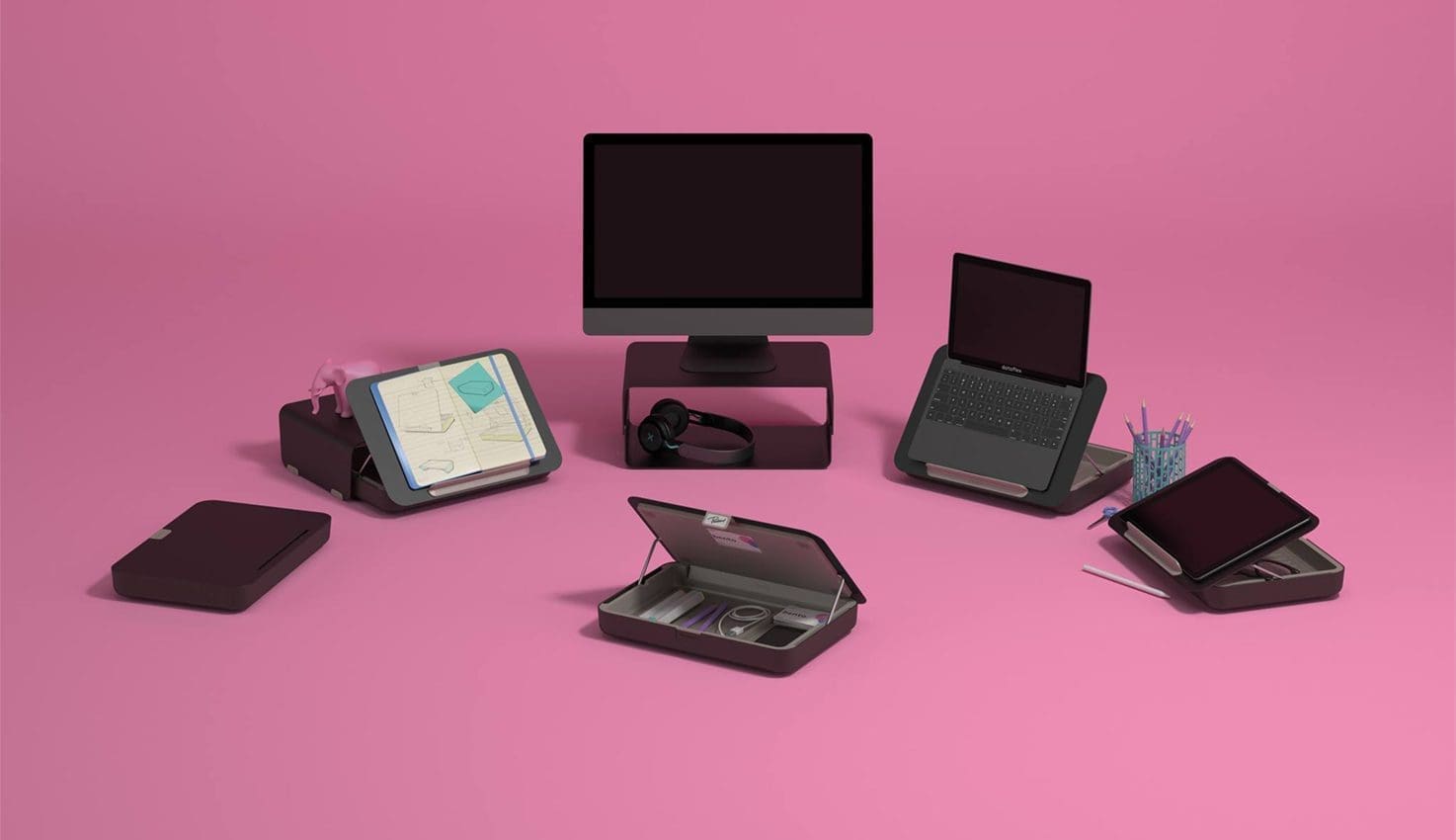
Ergonomic Accessories
Monitor arms, footrests, vertical mice, ergonomic keyboards. Small investments, big benefits.

Adapted Lighting
Adjustable desk lamp, lateral natural light. Avoid eye strain and headaches.
MSDs: Understanding to Prevent
Musculoskeletal Disorders (MSDs) affect muscles, tendons and nerves. In the office, they mainly concern the back, shoulders, wrists and neck.
Risk Factors at the Office
- Prolonged static position
- Repetitive gestures (mouse, keyboard)
- Constrained postures (poorly placed screen)
- Stress and time pressure
Warning Signs
- Pain or stiffness at end of day
- Tingling in hands
- Frequent eye strain
- Recurring headaches
Frequently Asked Questions
How often should I get up from my desk?
Ideally every 30-45 minutes, even briefly. With a sit-stand desk, alternate positions. Without one, at least get up for every break, phone call, or to see a colleague rather than sending an email.
Is my employer obliged to provide ergonomic furniture?
In Luxembourg, employers have a general obligation to prevent occupational risks, including MSDs. They must provide a suitable workstation and train employees in best practices. In case of medical prescription, the accommodation becomes mandatory.
Is a gaming chair ergonomic?
Generally no. Despite their "high-tech" appearance, most gaming chairs lack essential adjustments (adjustable lumbar support, seat depth) and have positions that don't suit office work. Prefer a proper ergonomic office chair.
Can my company benefit from grants for ergonomic equipment?
Yes, the AAA (Association d'Assurance Accident) in Luxembourg can contribute to financing ergonomic accommodations when prescribed by the occupational health doctor. Contact your occupational health service to learn more about the procedures.
Ergonomic Audit of Your Offices
Our experts analyse your workstations and propose concrete improvements, adapted to your budget and constraints.
Request a Free Audit